Your WireGuard tunnels, made simple.

Your WireGuard profiles, one tap away

Tunnio manages the WireGuard configs you already have. Import a .conf, then connect from your iPhone, Apple TV or Android. It's not a VPN service — you bring your own configuration, and it never leaves your device.

No account · Your keys stay on your device · Open a config in seconds

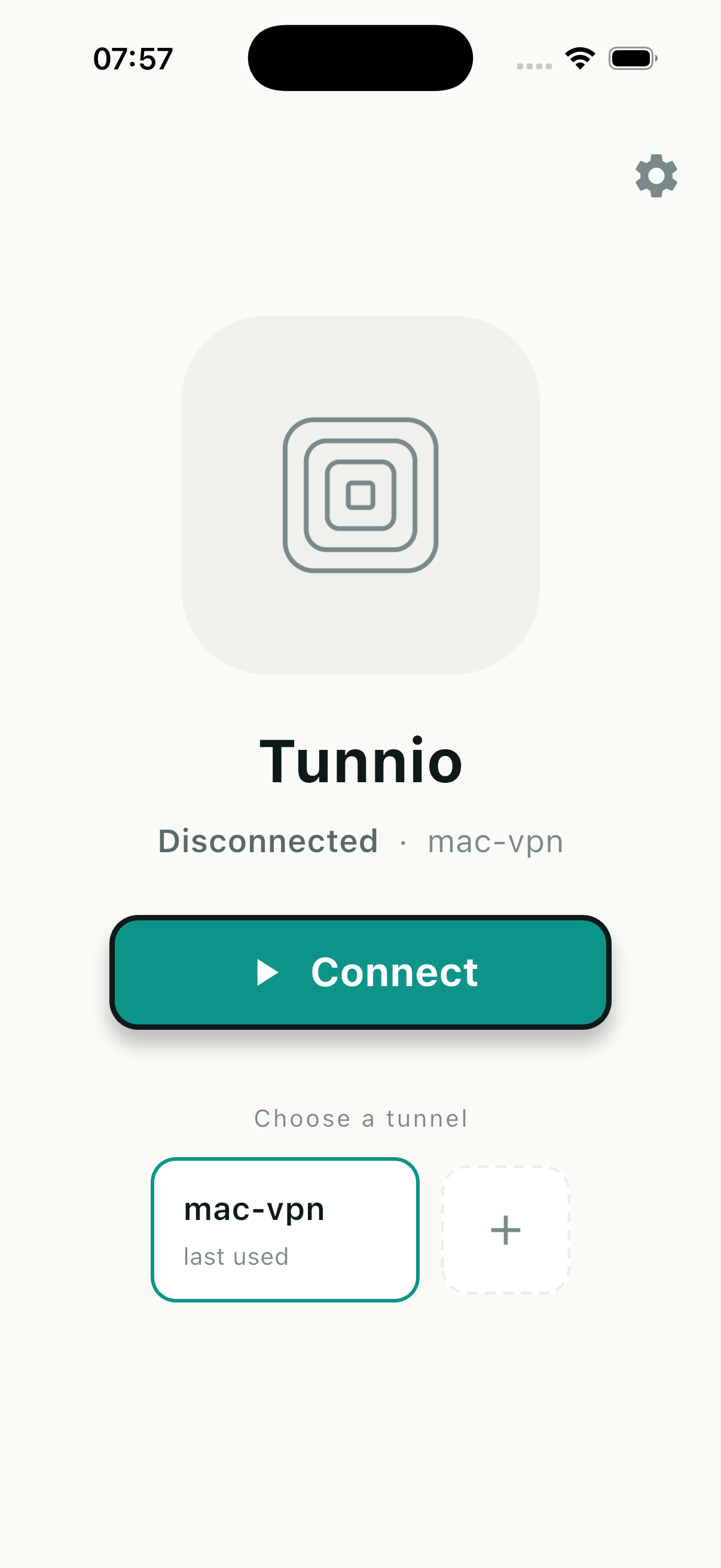
Tunnio home screen with a saved tunnel ready to connect
How it works

From a .conf file to connected in three steps

Tunnio doesn't run servers or hand out credentials. It takes the WireGuard configuration you already have and makes it effortless to use on every screen you own.

  1. 1

    Bring your config

    Export a .conf from your server or provider — the standard WireGuard format Tunnio speaks natively.

  2. 2

    Import it your way

    Pick the file directly, or start the built-in upload server and drop it in from another device on the same Wi-Fi via a link or QR code.

  3. 3

    Connect and go

    Your tunnel appears in the list. Tap to connect or disconnect at any time, on iPhone, Apple TV or Android.

What you get

A calm home for every tunnel you use

No dashboards, no accounts, no upsell to a VPN you didn't ask for. Just your configs, organised and one tap from connected.

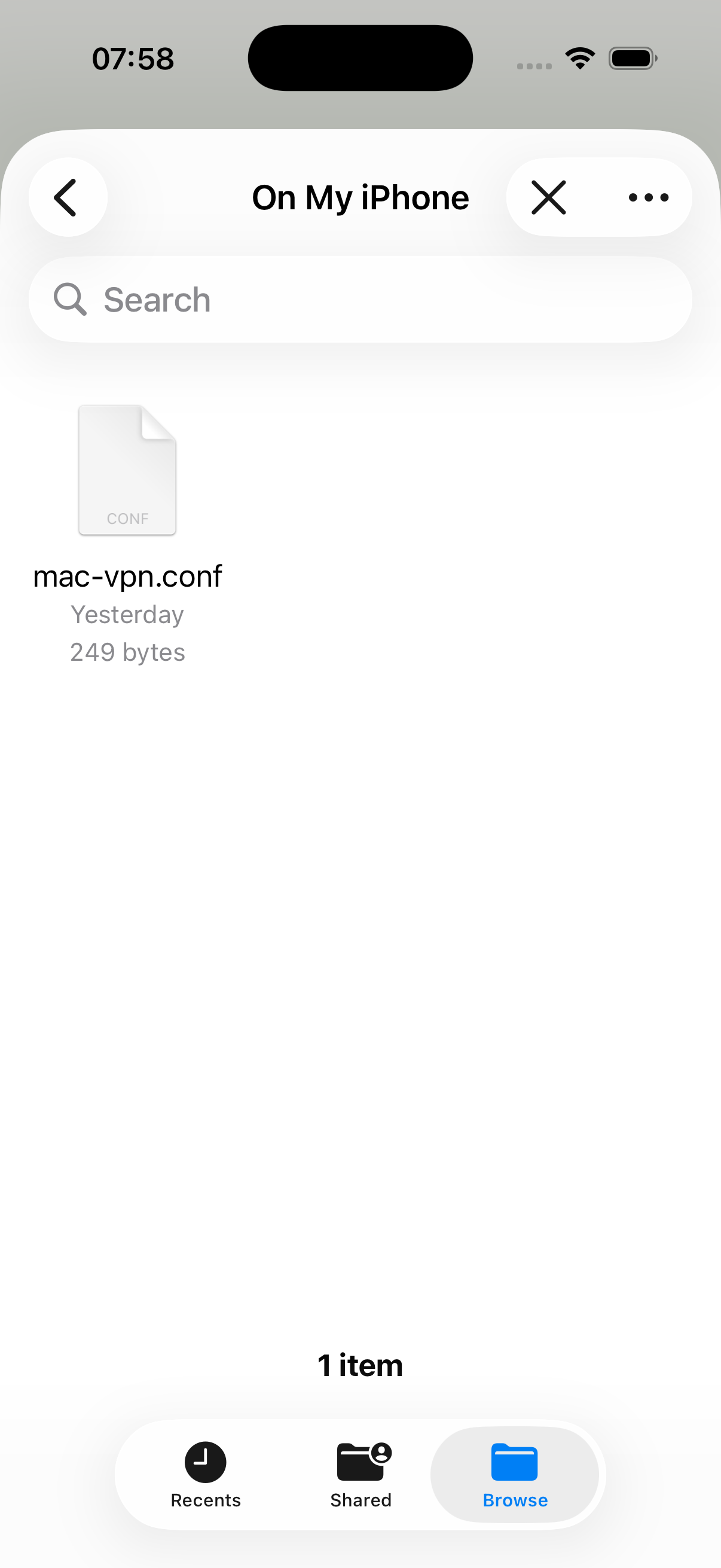
Importing a WireGuard .conf file into Tunnio
Import

Bring your own configuration

Open a .conf straight from Files, or spin up Tunnio's local upload server and send it from your laptop over the same network — scan the QR code and it lands on your device. Nothing is uploaded to us.

Native file picker Local upload server QR handoff
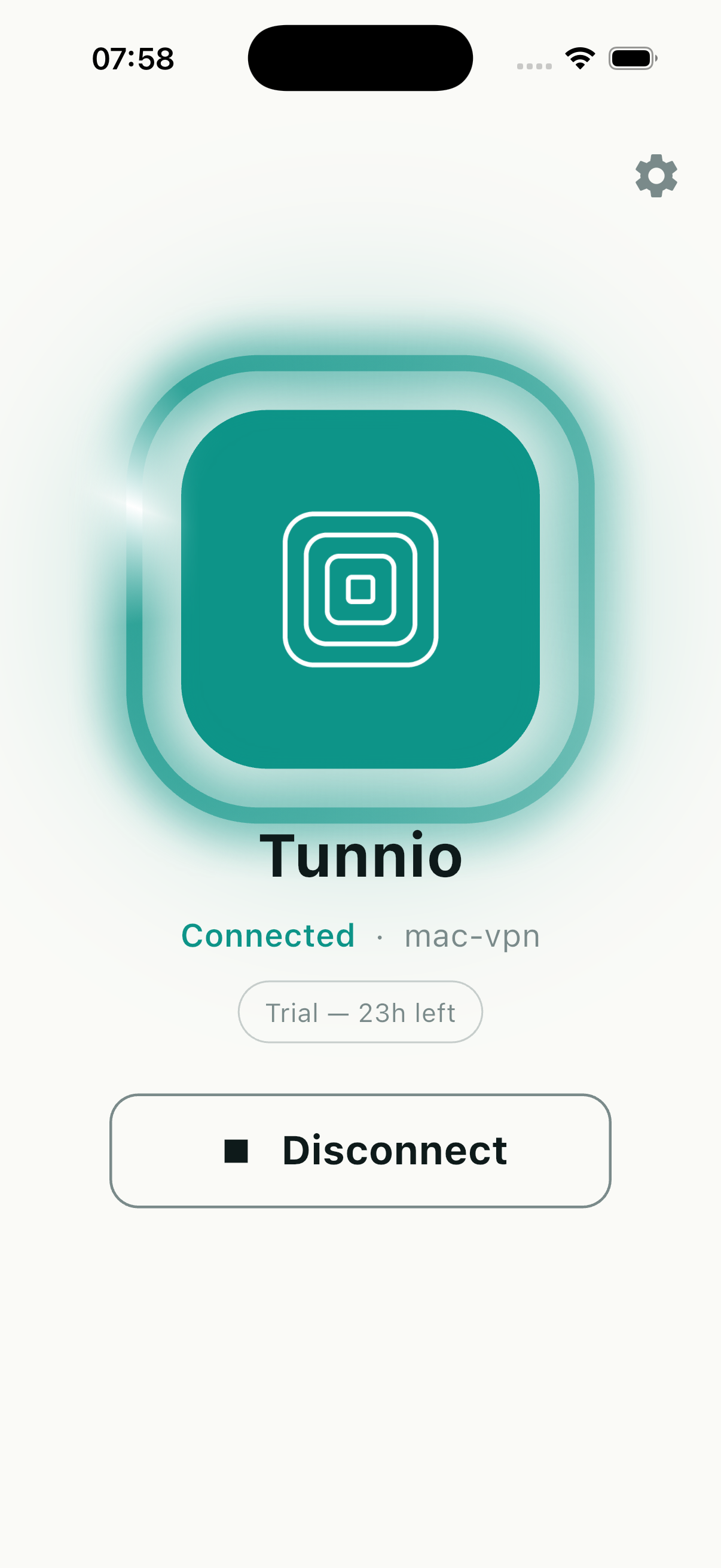
Tunnio connected to a tunnel
Connect

One tap on, one tap off

A single button connects and disconnects the active tunnel, with a clear status you can read at a glance. It uses the platform's own WireGuard networking under the hood — fast, and battery-friendly.

Live status On-device keys Native VPN engine
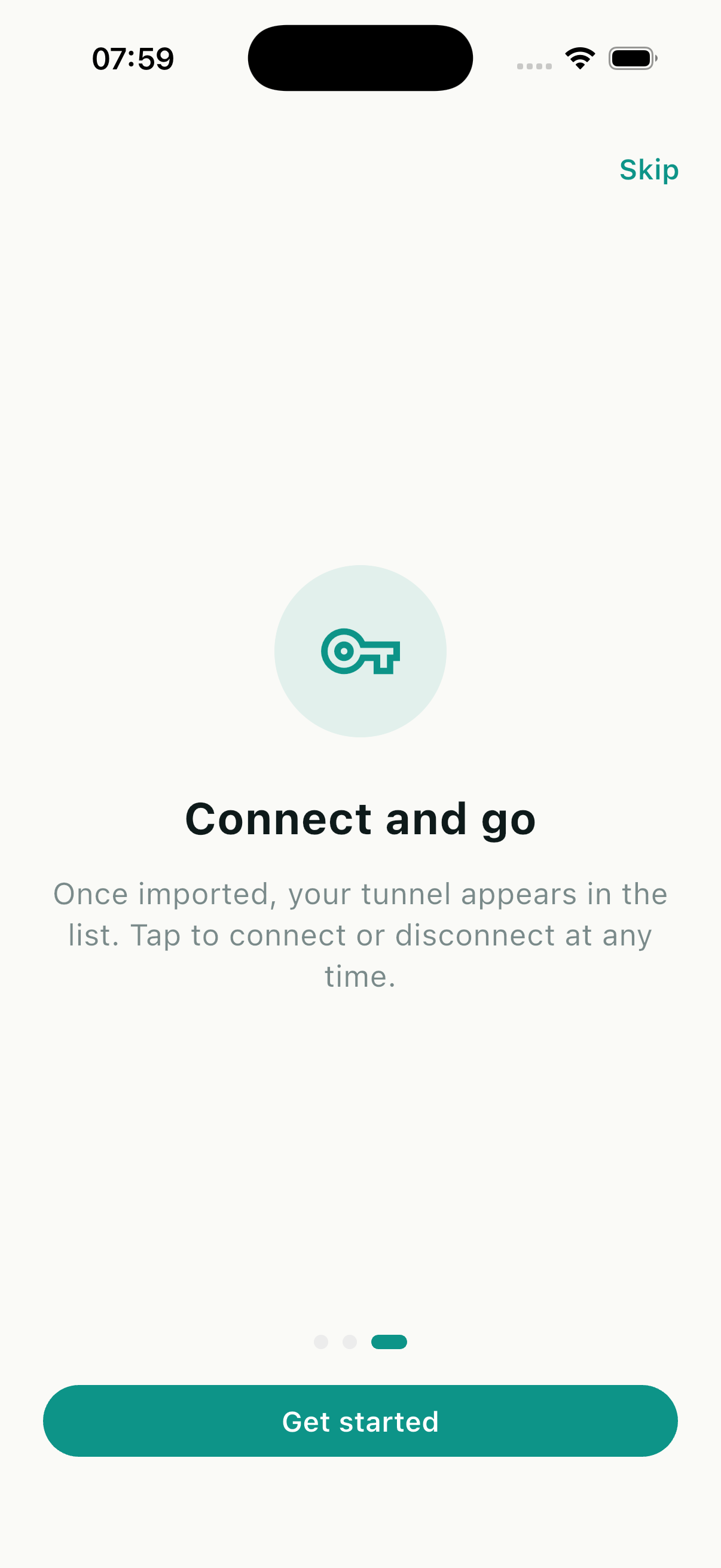
Tunnio guiding you through connecting a tunnel
Manage

All your tunnels in one place

Keep every profile side by side and switch between them in a tap — home, work, a friend's server. Tunnio remembers the last one you used so the tunnel you reach for most is always front and centre.

Multiple tunnels Quick switch Remembers last used
One app, every screen

The same tunnels, wherever you are

Tunnio is built natively for Apple platforms and Android, so your configuration feels at home on each — including the living room.

iPhone

A native iOS app with the system WireGuard extension. Import, connect and switch tunnels on the go.

Apple TV

Tunnel the whole living room. Tunnio runs on tvOS, so streaming devices sit behind the same WireGuard connection.

Android

The same import-and-connect flow on Android phones and tablets, with the platform's native VPN service.

Why Tunnio

A manager, not a middleman

Tunnio doesn't route your traffic or ask you to trust our servers. It's a clean front end for the WireGuard setup you control.

Not a VPN service

No servers, no accounts to route through. You bring the configuration; Tunnio just makes it easy to use.

Private by default

Your keys and configs stay on the device. Imports over the local upload server never touch the internet.

No account required

There's nothing to sign up for. Open the app, import a tunnel, and you're ready to connect.

Speaks your language

Localised in English, German, Spanish, French, Italian, Dutch, Polish, Portuguese and Turkish.

Bring your tunnels to Tunnio

Import your WireGuard config once and connect from any of your devices. Tunnio is in beta now, with the App Store and Google Play close behind.

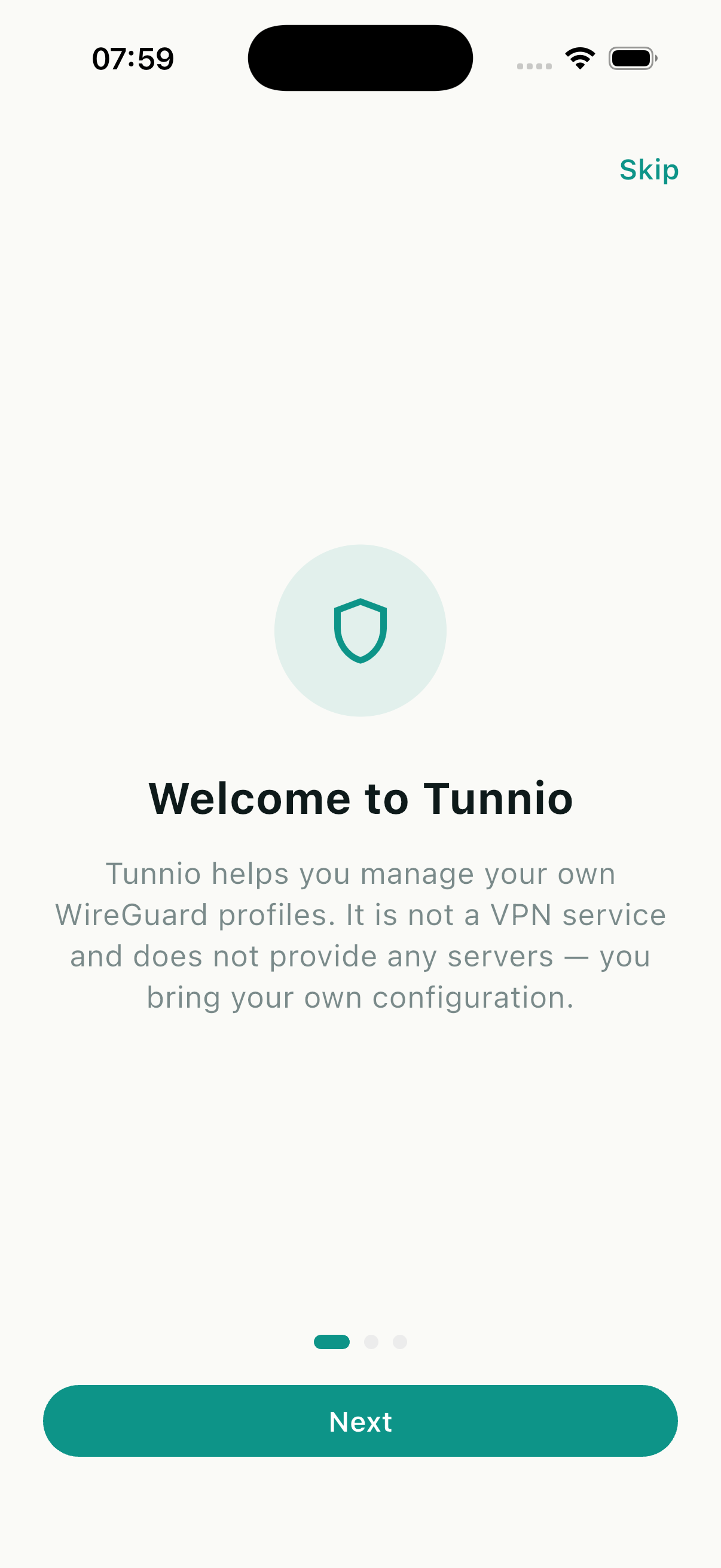
Tunnio welcome screen